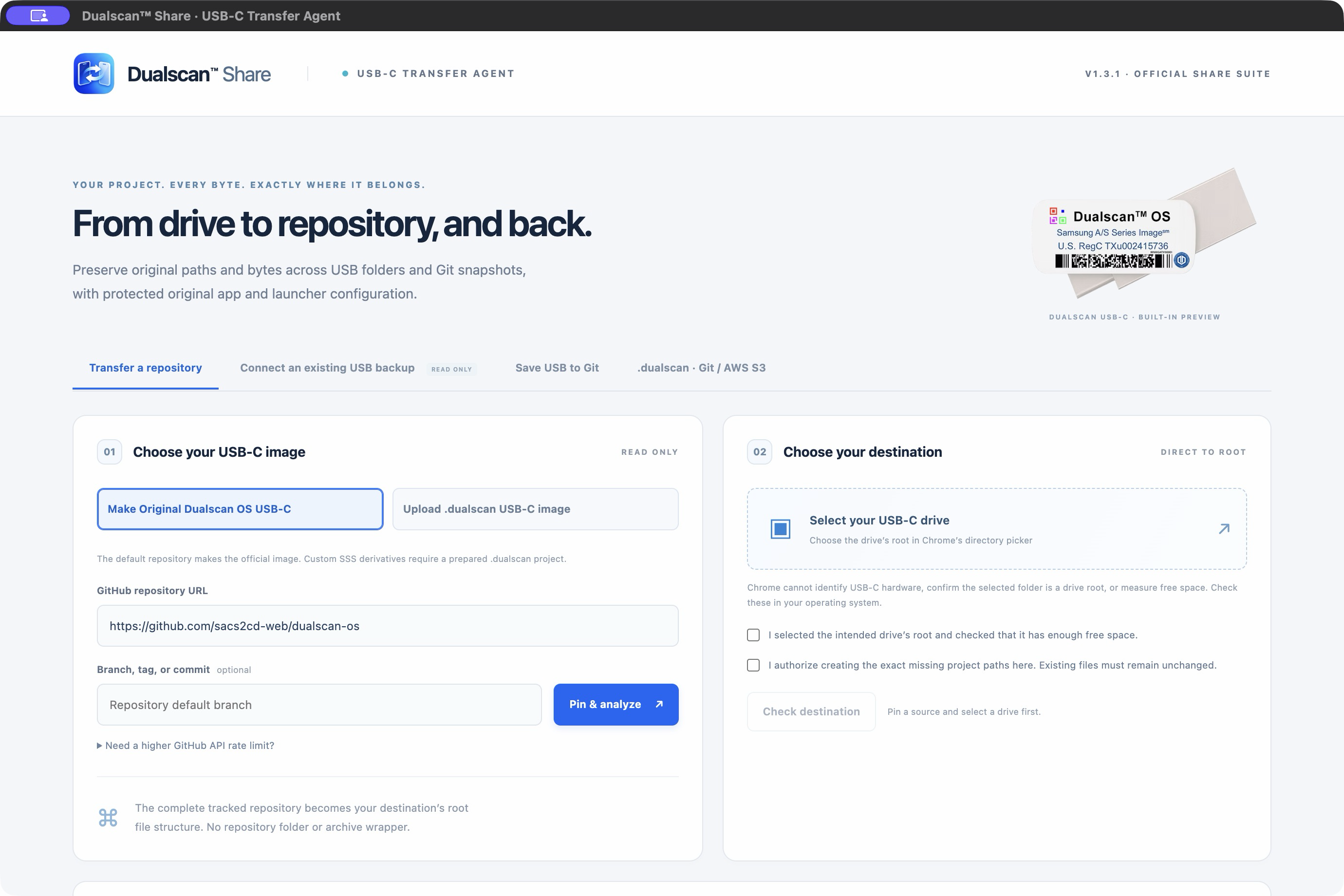
- Download the ZIP for your Mac: Apple silicon (ARM64) or Intel (x64), then verify its SHA-256.
- Unzip it and move Dualscan™ Share Suite into Applications. Try opening the app.
- If macOS cannot verify the developer or notarization, proceed only if you trust this exact download. Open System Settings → Privacy & Security → Open Anyway, then confirm Open and authenticate if requested. This creates an exception for this app.
- If macOS reports malware, damage, or a policy block, stop and contact support or your administrator.
See Apple’s app-opening guidance.
Check the Mac download’s SHA-256
shasum -a 256 ~/Downloads/Dualscan-Share-1.3.2-mac-arm64.zip
For Intel, use Dualscan-Share-1.3.2-mac-x64.zip instead. Compare the entire digest with the matching filename in SHA256SUMS.txt.